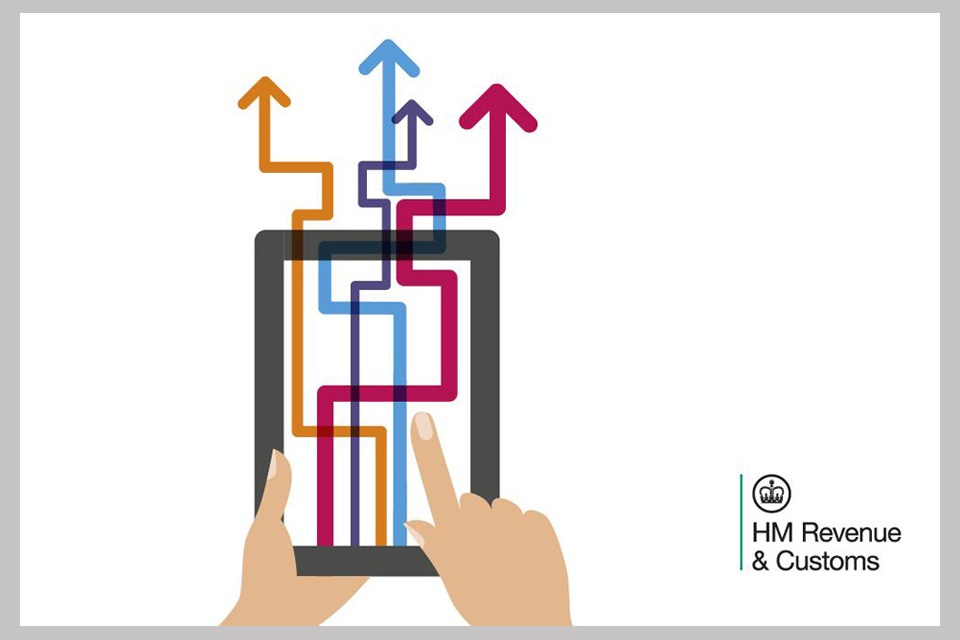
Making Tax Digital is HMRC’s programme to modernise the UK tax system by requiring businesses to maintain digital records and submit tax information electronically through compatible software. It has been in force for VAT since April 2019 for larger VAT-registered businesses, and since April 2022 for all VAT-registered businesses. MTD for Income Tax is now in phased rollout for self-employed individuals and landlords, and HMRC has stated its intention to extend the programme further over the coming years.
For businesses using Microsoft Dynamics 365 Business Central, MTD compliance is built into the platform and handled automatically. This post explains what MTD requires, how Business Central handles it, and what businesses migrating from non-compliant software need to understand.
What Making Tax Digital Actually Requires
At its core, MTD for VAT has two requirements. First, VAT-registered businesses must keep their VAT records in a digital format — meaning the records that feed into the VAT return must be maintained in software that meets HMRC’s digital record-keeping standards. Paper records, even if they are later transcribed into software, do not satisfy this requirement. Second, VAT returns must be submitted to HMRC directly from compatible software using HMRC’s API — they cannot be submitted through the HMRC online portal by manually typing in figures.
The practical implication is that businesses running their accounts in software that is not MTD-compatible need either an MTD-compatible bridging tool or a move to compliant software. And for businesses that have been using bridging tools as a workaround, the compliance position is less secure than it appears — bridging tools satisfy the technical submission requirement but may not satisfy the digital record-keeping requirement if the underlying records are being maintained in spreadsheets.
How Business Central Handles MTD
Business Central is MTD-compatible and has been since HMRC introduced the VAT API. The VAT Return feature in Business Central collects the nine boxes of the VAT return directly from posted transactions in the general ledger, with no manual calculation or data transfer required. Once the return period is closed and the figures reviewed, submission is made directly from Business Central to HMRC via the MTD API with a single action.
The connection between Business Central and HMRC is authorised through HMRC’s standard OAuth process during initial setup — the business logs into HMRC’s portal, authorises Business Central to submit on its behalf, and the connection is maintained thereafter. Re-authorisation is required periodically as HMRC’s tokens expire, but the process takes minutes.
Business Central also handles the digital record-keeping requirement natively. Every purchase invoice, sales invoice, and bank transaction is recorded digitally within the system, and the VAT entries are generated automatically from those records. There is no separate VAT ledger to maintain, no spreadsheet to update, and no manual transfer of figures between systems.
What About Partial Exemption and Adjustment?
Business Central handles standard-rated, reduced-rated, zero-rated, and exempt supplies within the VAT posting setup. Partially exempt businesses — those that make both taxable and exempt supplies — can configure VAT posting groups to reflect their specific partial exemption calculation method, though the annual adjustment calculation for partially exempt businesses typically requires a finance team review rather than full automation.
For businesses with more complex VAT positions — VAT groups, overseas supplies subject to reverse charge, or specific industry VAT treatments — proper VAT posting setup in Business Central is a configuration exercise that should be done carefully during implementation. Getting the VAT posting groups right from the start avoids the significant pain of correcting misposted VAT retrospectively.
Migrating to MTD-Compliant Software
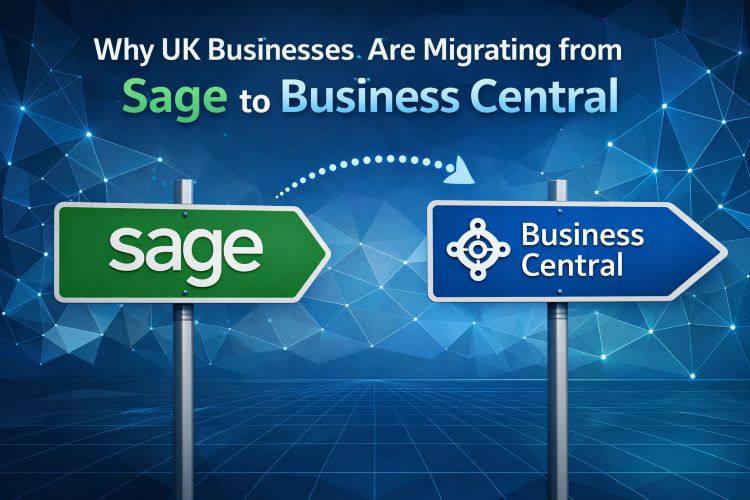
Businesses migrating from Sage, QuickBooks, Xero, or other MTD-compatible software will find the transition straightforward from an MTD perspective — they are moving from one compliant system to another. The main consideration is the cut-off point for the migration, which should ideally coincide with a VAT period end to avoid splitting a period between two systems.
Businesses migrating from non-compliant software or from spreadsheet-based accounting are in a slightly different position. In addition to the standard implementation work, they need to ensure that their digital record-keeping is fully in order from the migration date onwards, and that any historical VAT returns have been submitted correctly.
If you are planning a Business Central implementation and have questions about MTD compliance, VAT posting setup, or the cut-off timing of a migration from your current system, the Finsys Apps team is happy to help.