It is one of the most common questions growing UK businesses ask when they start to feel the strain on their current finance software: should we move to Business Central, or is QuickBooks enough for where we are now? The answer, as with most genuine business decisions, is that it depends — but there are clear criteria that make the choice straightforward in most cases.
This post works through the comparison honestly, without pretending Business Central is right for everyone or that QuickBooks cannot handle real business complexity.
Where QuickBooks Works Well
QuickBooks is genuinely good software for a specific type of business. If you are a small business with a single legal entity, a modest transaction volume, a small finance team, and no significant operational complexity beyond basic sales and purchasing, QuickBooks does the job reliably and at a much lower cost than Business Central. Its interface is clean, its accountant ecosystem is mature, and for businesses in that category there is no compelling reason to migrate.
The problems emerge when businesses try to stretch QuickBooks beyond what it was designed to do.
Where QuickBooks Starts to Strain
The limitations of QuickBooks tend to surface in predictable ways as businesses grow:
Multi-currency complexity. QuickBooks handles multi-currency transactions, but managing unrealised exchange rate gains and losses, currency revaluations, and multi-currency reporting at month end becomes increasingly manual as the volume of foreign currency activity grows. Business Central handles multi-currency natively with full revaluation, realised and unrealised gain/loss tracking, and multi-currency financial reporting built into the general ledger.
Inventory management. QuickBooks Simple Start and Essentials have no inventory functionality; even QuickBooks Advanced handles only basic inventory tracking. For businesses with warehouses, multiple stock locations, assembly or manufacturing, or the need for detailed cost tracking, Business Central’s inventory module is a categorically different capability — with bin management, serial and lot tracking, production orders, and multi-location transfer orders.
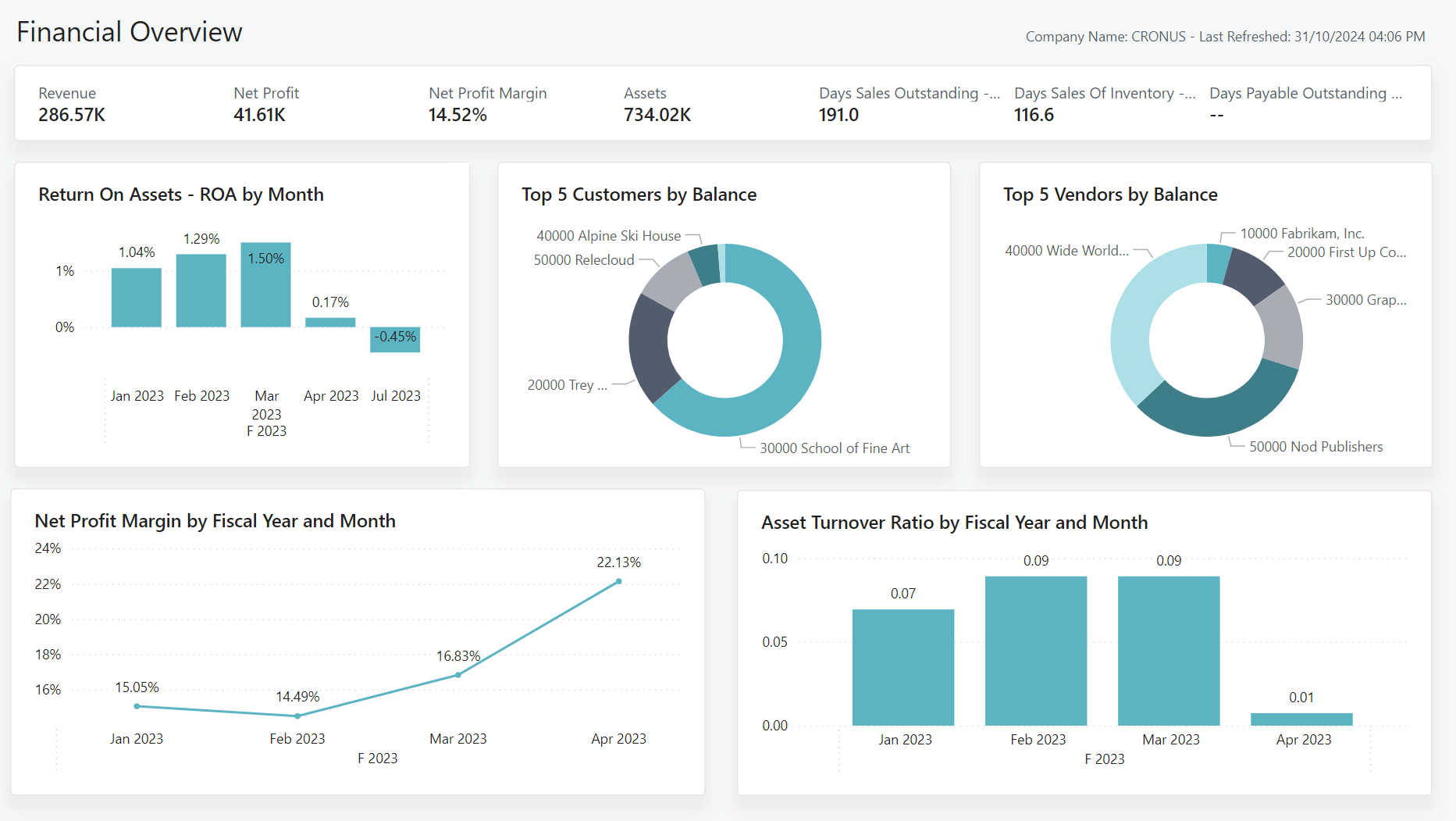
Reporting depth. QuickBooks reports are good for standard financial statements, but producing management accounts in a specific format, segmenting profitability by dimension, or building a board-level dashboard requires either a lot of manual Excel work or a separate reporting tool. Business Central’s integration with Power BI makes live, interactive financial reporting available without exporting data.
Approval processes and controls. QuickBooks has no native purchase approval workflow. As businesses grow and the CFO or finance director can no longer personally review every purchase, the absence of a proper approval process becomes a control risk. Business Central has configurable approval workflows for purchase orders, invoices, and payments.
User permissions and audit trails. QuickBooks offers basic user permissions, but its audit trail is limited compared to what regulated businesses or those subject to audit typically need. Business Central’s change log and audit trail are substantially more granular.
The Practical Tipping Points
In our experience, businesses typically reach the point where Business Central becomes the right choice when one or more of the following is true:
- They operate more than one legal entity and need consolidated group accounts
- They have more than five or six regular QuickBooks users and are paying significant monthly subscription fees for limited functionality
- They hold stock and need proper inventory management with costing
- They have grown to a point where a board or investors are requiring more structured financial reporting
- They are preparing for a transaction — acquisition, investment, or sale — and need a finance system that can withstand due diligence
The Cost Question
Business Central is more expensive than QuickBooks on a per-user licence basis, and it requires a proper implementation investment to configure correctly. The honest comparison is not licence cost against licence cost — it is total cost including the manual workarounds, reporting overhead, and risk exposure that come with running a growing business on software that was not designed for it.
For businesses in the right size range, the return on a Business Central implementation is typically visible within twelve months through finance team time savings, reduction in reporting overhead, and the elimination of manual processes that were absorbing significant effort.
If you would like a straightforward assessment of whether your business is at the right stage for Business Central, speak to the Finsys Apps team. We will give you an honest view rather than a sales pitch.