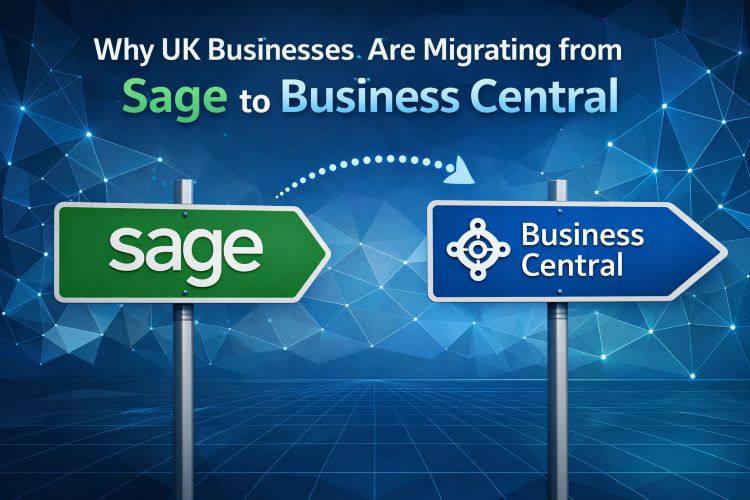
Sage has served UK businesses well for decades. For many finance teams, it was the first proper accounting tool the business ever used — reliable, familiar, and genuinely fit for purpose when the company was smaller. But as businesses grow, the limitations of Sage’s architecture become harder to ignore, and the number of UK organisations actively exploring a move to Microsoft Dynamics 365 Business Central has risen significantly over the past few years.
This post looks at the practical reasons driving that migration — not as a criticism of Sage, but as an honest assessment of what Business Central offers that Sage cannot match at the mid-market level.
The Core Problem: Sage Was Built for a Different Era
Sage 50 and Sage 200 were designed when the dominant model of business software was on-premise, single-company, and finance-department-only. That model suited a generation of UK businesses well. The problem is that the business world has changed significantly. Companies now operate across multiple legal entities, employ staff working remotely across multiple sites, require live financial data visible to directors and managers rather than just accountants, and depend on software that integrates with their operational systems — CRM, ecommerce, warehouse management — without manual re-keying.
Sage’s newer cloud offerings attempt to address some of this, but the product history creates genuine constraints. Business Central, by contrast, was designed from the ground up for cloud deployment, multi-entity operation, and integration with a wider technology ecosystem. It is not a retrofitted version of an older platform.
Five Specific Limitations That Drive Migration Decisions
1. Multi-entity consolidation. Growing businesses frequently operate through more than one legal entity — separate limited companies for different trading activities, property holdings, or international operations. Sage 50 handles a single company per licence; consolidation requires exporting data and combining it manually. Business Central manages multiple companies within a single environment, with intercompany transactions, eliminations, and consolidated group reporting built in.
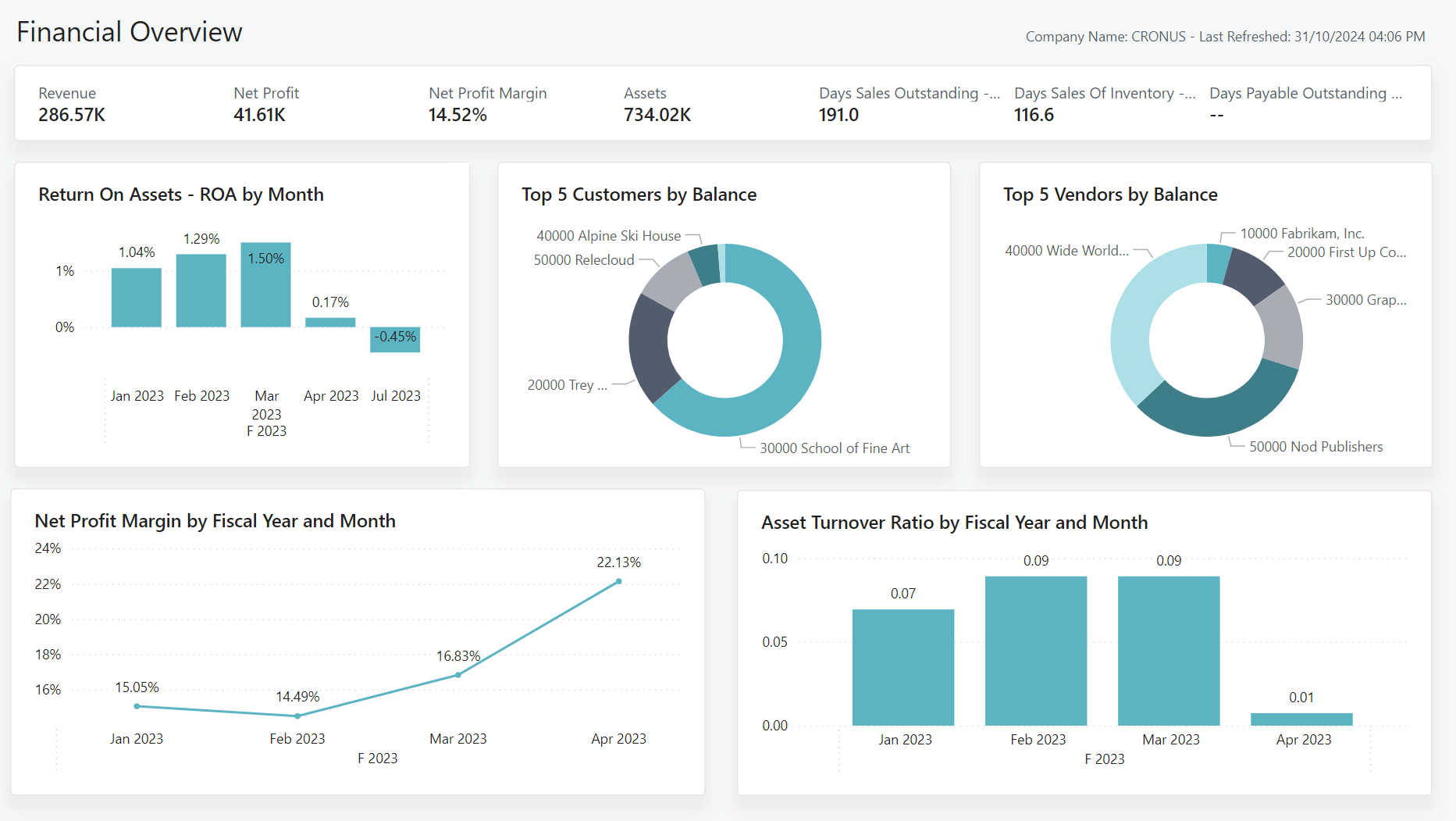
2. Real-time visibility for non-finance users. In Sage, financial data is primarily accessible to finance. Business directors, operations managers, and project leads who need financial context for their decisions typically wait for reports to be produced and emailed. Business Central’s integration with Power BI puts live dashboards in front of every person who needs them, with drill-through from a board-level KPI to the underlying transaction.
3. Approval workflows and controls. Purchase approval processes in Sage are largely manual — an email chain, a shared spreadsheet, or a policy document that depends on people following it. Business Central has configurable approval workflows built into the purchase order and payment processes, with routing rules, escalation timers, and a complete audit trail for every approval decision.
4. Integration with operational systems. Connecting Sage to a CRM, an ecommerce platform, or a warehouse management system typically requires a third-party integration tool, custom development, or scheduled exports and imports. Business Central integrates natively with Dynamics 365 Sales, has a built-in Shopify connector, and supports a broad ecosystem of certified add-ons — all operating on the same data model without synchronisation middleware.
5. Making Tax Digital compliance and future-proofing. HMRC’s Making Tax Digital initiative is expanding its scope progressively. Business Central has MTD compliance built in — VAT submissions are handled directly from the system without third-party add-ons — and Microsoft’s investment in the platform means compliance with future regulatory requirements will be delivered through the standard update cycle.
What the Migration Actually Involves
The practical question for most businesses is not whether Business Central is the better platform — it usually is at the mid-market level — but what migration actually involves. The short answer is: it depends on how clean your Sage data is and how complex your operational processes are.
A straightforward migration for a single-entity business with clean customer, supplier, and nominal ledger data can be completed in four to eight weeks. More complex migrations involving multiple entities, historical transaction imports, or integration with operational systems take longer — typically three to five months for a fully scoped enterprise project.
At Finsys Apps, we manage Sage to Business Central migrations as a structured project: data assessment, data cleansing, Business Central configuration, parallel run, and go-live. We have completed these migrations for businesses across manufacturing, distribution, professional services, and ecommerce, and the consistent theme is that the businesses who invest properly in the data cleansing phase have significantly smoother go-lives than those who try to rush through it.
Is Business Central Right for Your Business?
Business Central is not the right choice for every business. If you are a small business with a single company, straightforward financials, and no plans to grow significantly, Sage 50 is a lower-cost option that will do the job adequately. But if you are managing multiple entities, growing headcount, requiring operational integration, or frustrated by the manual workarounds your finance team has built around Sage’s limitations, the conversation about Business Central is worth having.
If you would like to discuss your specific situation — including an honest assessment of whether migration is warranted and what it would involve — get in touch with the Finsys Apps team. We are happy to give you a straightforward view before any project conversation begins.